Permanent link to this release
Improvement
Review a trade in one clear ticket
Charts group the account, order choices and estimated cost into one ticket, with the final approval and risk wording kept visible.
Why it matters: Check the intended account and order before approving it without losing the chart context.
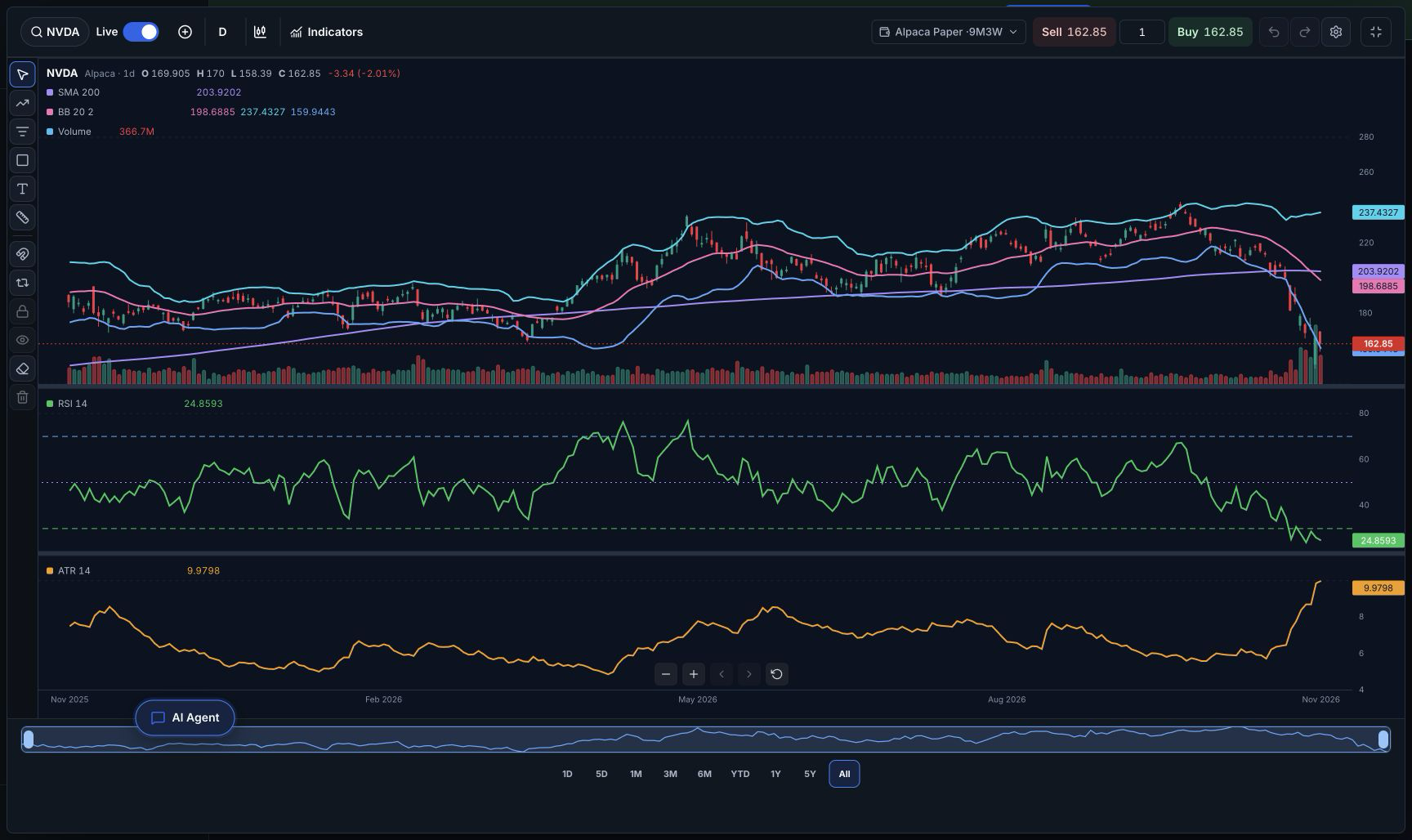
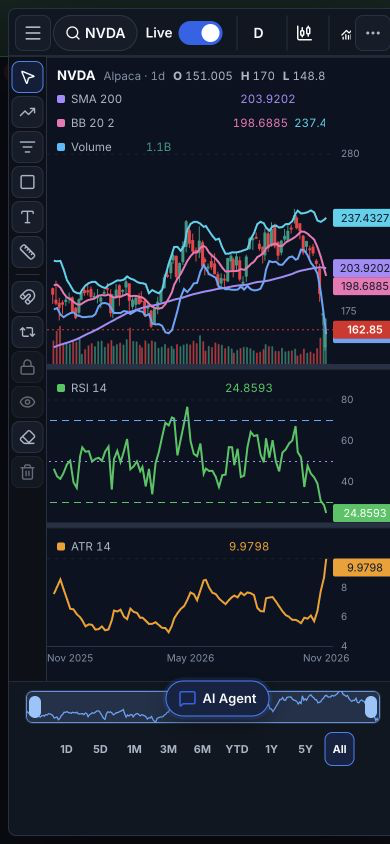
Previously: Chart trading controls were split across separate controls and repeated account information.
Who benefits: People reviewing trades on desktop or phone
Availability: Signed-in members with workspace access. Placing or changing an order requires active BotSpot trading access.
A connected supported broker account and its trading permissions are required. Review and approve the exact order; approval, broker acceptance and a fill are separate outcomes.
- Open Charts and choose an instrument.
- Open Trade, choose the intended account, and review the order and cost.
- Approve only an order you intend to place.
Fix
Open requested charts without a connection error
Chart requests reach the configured market-data connection, while unavailable data and permission errors remain visible.
Why it matters: Open the requested chart and inspect the data instead of getting an avoidable connection error.
Previously: Some chart requests could stop before market data loaded.
Who benefits: People creating charts with BotSpot AI
Availability: Existing signed-in workspace access; no plan or billing changes.
The instrument must be supported by your market-data connection and its permissions.
- Open BotSpot AI.
- Request a chart for an instrument supported by your data connection.
- Open the resulting chart and inspect its bars and indicators.
Improvement
Keep shared account results within the owner’s permissions
Shared account views respect the owner’s value and quantity choices and keep the selected proof account attached to its actual history.
Why it matters: Share performance without accidentally revealing values or borrowing results from a different account.
Previously: Account value, position quantities and account-history context needed consistent handling across new and existing shares.
Who benefits: Account owners and invited viewers
Availability: Account owners with signed-in workspace access. Recipients see only the permissions the owner grants.
Existing shares keep their saved permissions. A private link or invitation does not grant trading or ownership.
- Open an account you own.
- Open sharing and inspect performance, positions, trades, orders and value permissions.
- Share the link only after reviewing those permissions.
Fix
Save profile edits together without losing unfinished changes
The profile form has one Save action and preserves unfinished edits when a save fails.
Why it matters: Retry a failed save without retyping the information you were editing.
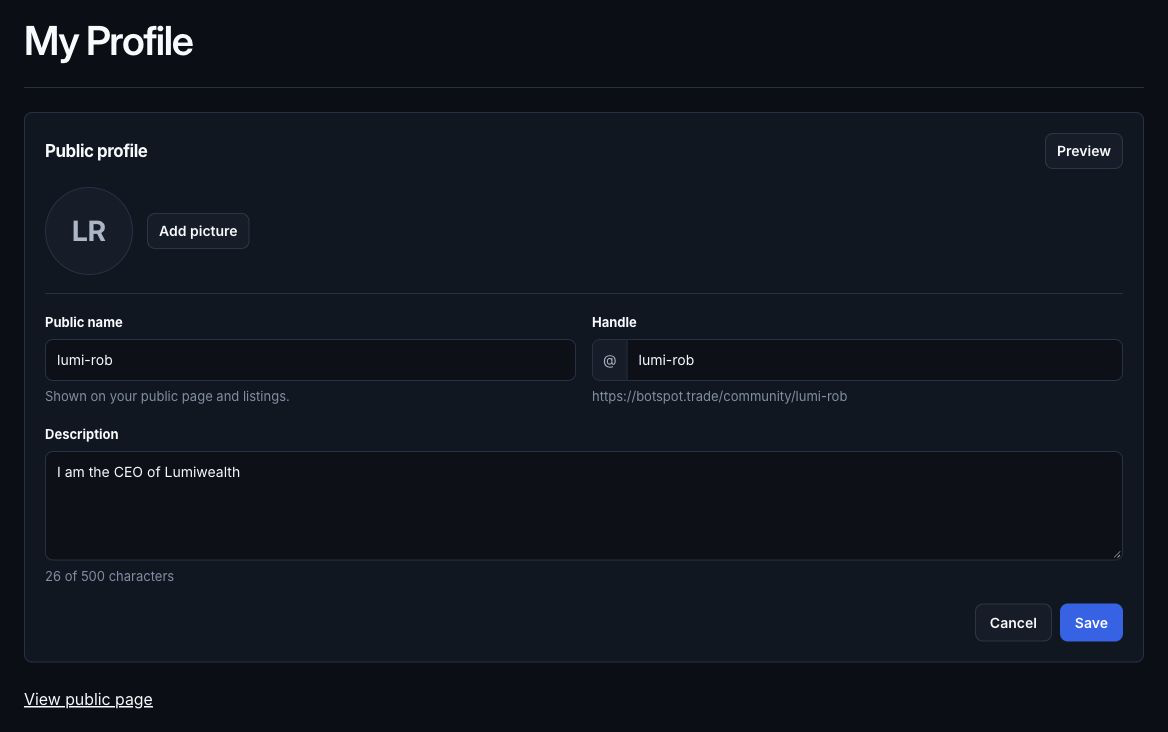
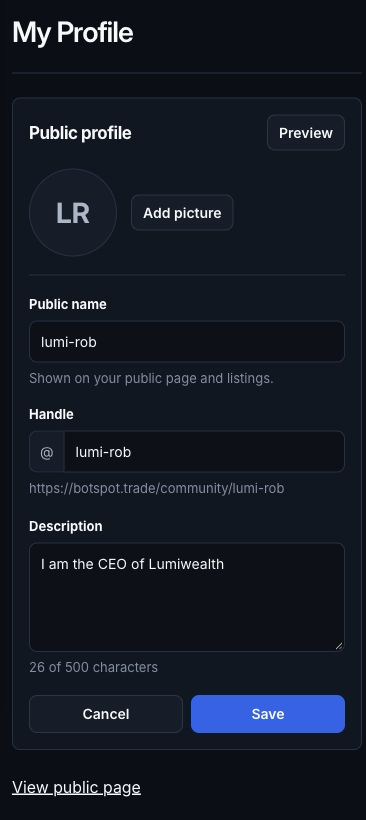
Previously: Profile edits could be harder to reconcile across separate saved and unsaved states.
Who benefits: Signed-in BotSpot members
Availability: All signed-in BotSpot members.
Email changes still require their normal confirmation. This release does not change identity verification.
- Open your profile.
- Edit the information you want to change.
- Use Save and confirm the result.
Improvement
Find your Bootcamp and Trading Lab from Learn
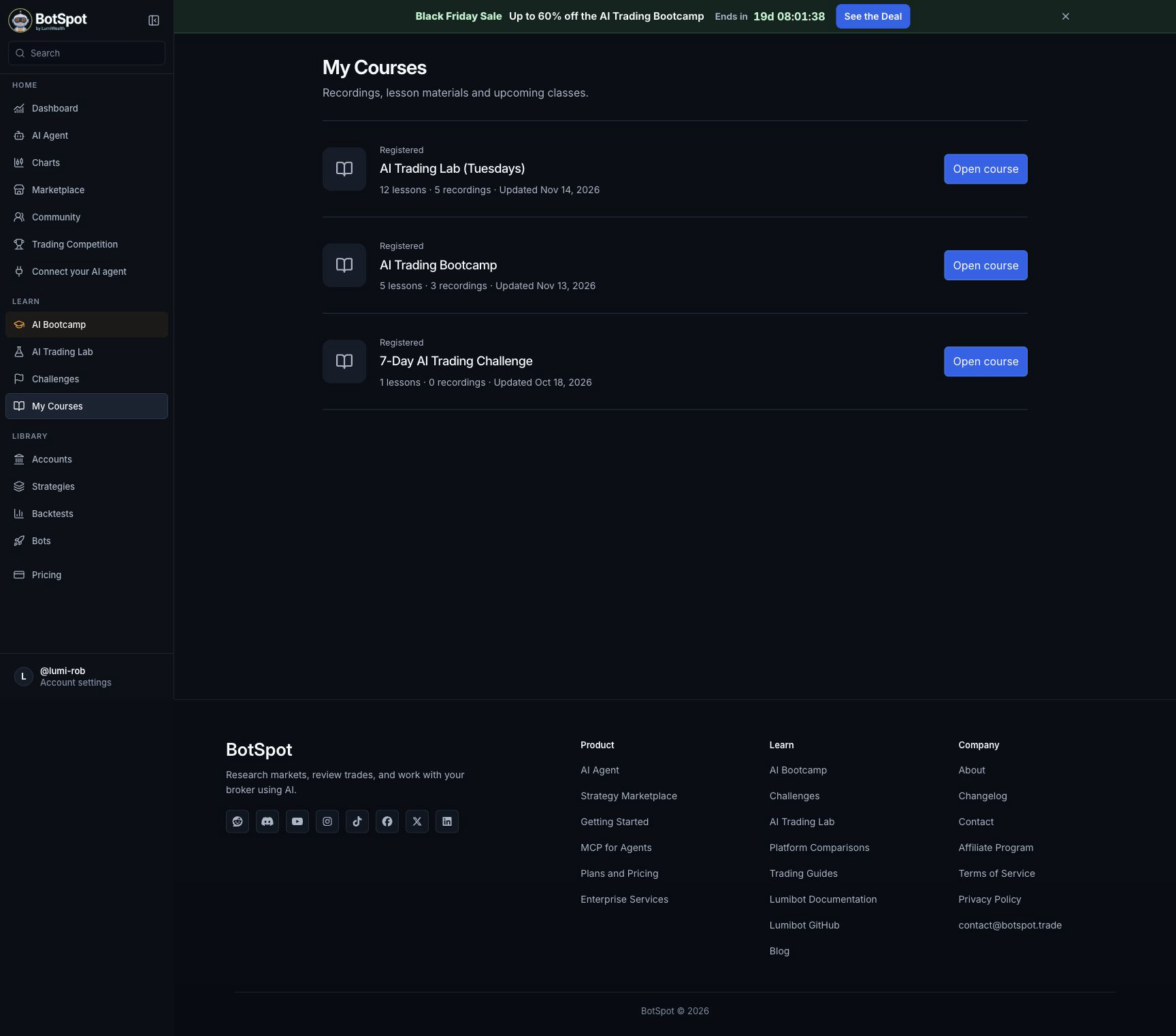
Learn keeps Bootcamp and Trading Lab access visible for enrolled members, with the current class and replay information.
Why it matters: Get back to the training you purchased from one existing navigation entry.

Previously: Course members could have difficulty finding their enrolled courses and current class information together.
Who benefits: Enrolled course members
Availability: Members enrolled in the relevant Bootcamp or Trading Lab. A software subscription alone does not establish course enrollment.
Only purchased or assigned courses and available class recordings appear. Use the account holding the enrollment.
- Sign in using the account that purchased the course.
- Open Learn, then My Courses.
- Open the enrolled Bootcamp or Trading Lab and its class or replay.
Fix
Keep strategy edits attached to the revision you chose
Edits start from the selected revision’s files; unchanged saves avoid a redundant revision, and saved file versions are returned directly.
Why it matters: Change the version you intended while preserving unrelated files and avoiding unnecessary rereads.
Previously: Editing an older strategy revision could accidentally use files from a different revision, and unchanged saves could create extra revisions.
Who benefits: People editing saved strategies
Availability: Existing signed-in strategy access and normal plan limits.
Only owned or explicitly permitted strategies may be edited. A saved revision is not a successful backtest or running bot.
- Open a strategy you own.
- Choose the intended revision before editing.
- Save the change and inspect the resulting revision and files.
Improvement
Get clearer account and options information
Cash and holdings stay attached to their account. Options accept standard OCC symbols and return a useful near-the-money chain page; unsupported spread submission and data permissions are explained visibly.
Why it matters: Review the right account and supported contracts with fewer confusing requests or internal errors.
Previously: Multiple account reads could mix context or wait behind a slower read, and option lookups could require avoidable clarification.
Who benefits: People researching connected brokerage accounts and options
Availability: Existing broker connection, account permissions and applicable BotSpot access.
Broker options approval, market-data permissions and supported order types still apply. A quote is not an execution price or a fill.
- Choose the account relevant to your question.
- Ask for its holdings or a supported option chain.
- Review the returned account, contract, quote time and any permission limitation before trading.
Improvement
Keep strategy-building work moving with clearer results
Loaded skills carry across turns, final handoffs identify the strategy’s main rules, and completed runs with zero trades or unexamined errors receive appropriate follow-through.
Why it matters: Spend less time repeating context and understand what the built strategy did and what still needs attention.
Previously: The builder could reload skills unnecessarily or leave a completed zero-trade or failed run unexplained.
Who benefits: People building or repairing trading strategies
Availability: Existing BotSpot AI and strategy-building access; normal usage limits apply.
Trading outcomes are not guaranteed. Read the saved code and backtest results; a completed build is not a live trading success.
- Describe the strategy you actually want to build or edit.
- Review the saved strategy and any backtest result the Agent provides.
- Check its entry, exit, sizing and stated limits before deciding whether to run it.