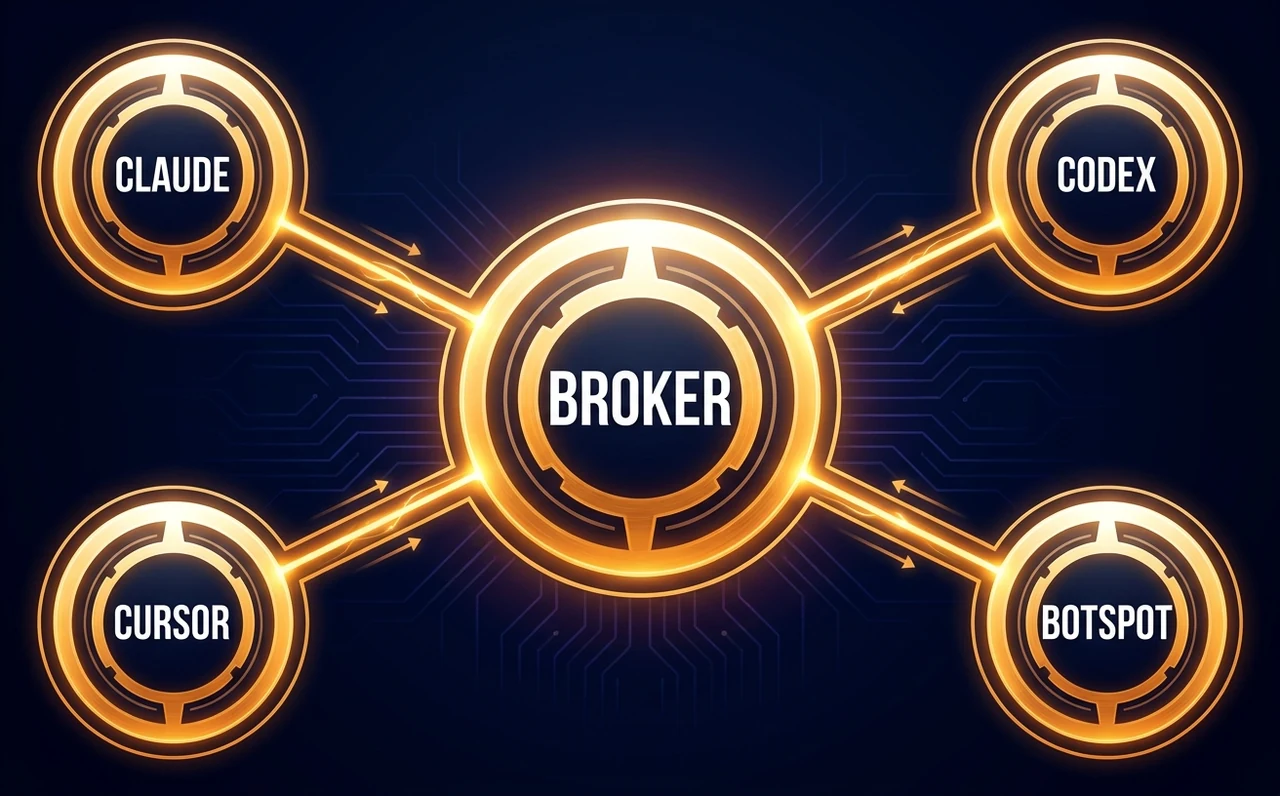
Your AI trading tools connected
Claude, Codex, Cursor, and BotSpot all talking to your broker on night one.
Place your first AI trade on day one. Finish with an AI agent that trades for you every day.
Want live classes? Join Live, starting Wed, Mar 17, 2027
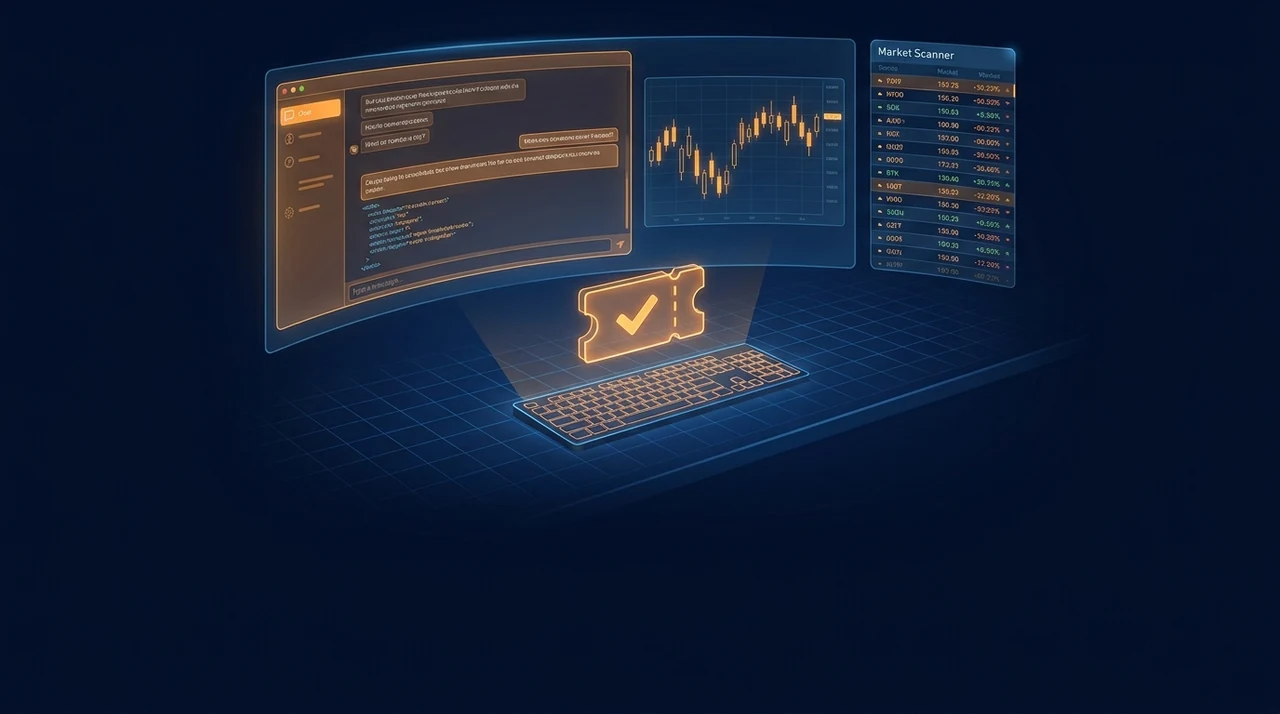
Illustrative demo of the live cohort workflow.
See how a plain-language idea moves through review, approval, and monitoring.
| What you get | You are hereOn Demand$359/mo for 5 monthsStart today | Live$464.50/mo for 5 monthsStarts Wed, Mar 17, 2027 |
|---|---|---|
| See Live | ||
| Every class recorded, yours for life | ||
| AI Trading Lab | ||
| Recordings of past AI Trading Lab sessions | ||
| 4 hours of one-on-one help with Rob | ||
| 3 months of BotSpot Pro | ||
| Discord community | ||
| Free class replays | ||
| Join every class live with Rob | ||
| Ask your questions in class |
Both come with a 30-day money-back guarantee.
Claude, Codex, Cursor, and BotSpot all talking to your broker on night one.
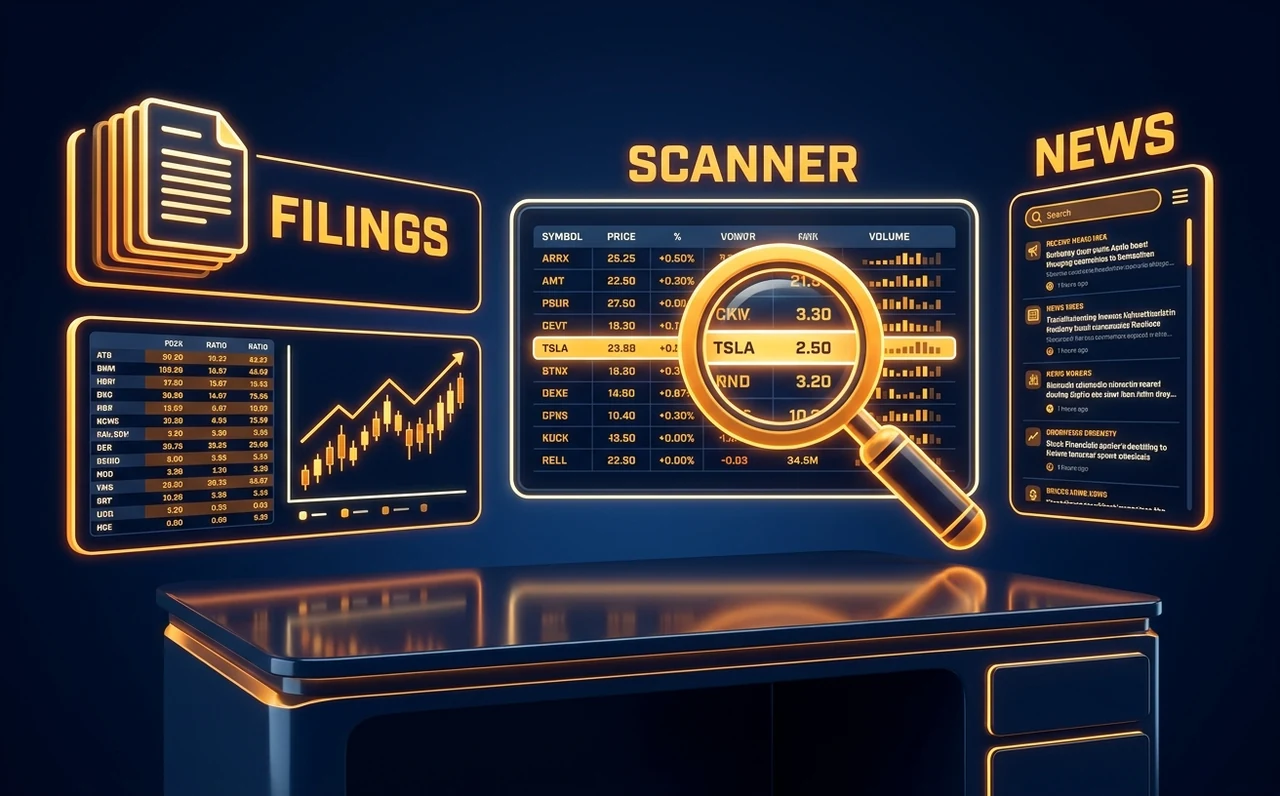
Filings, financials, earnings, insider data, news, and a scanner that surfaces the next candidates.
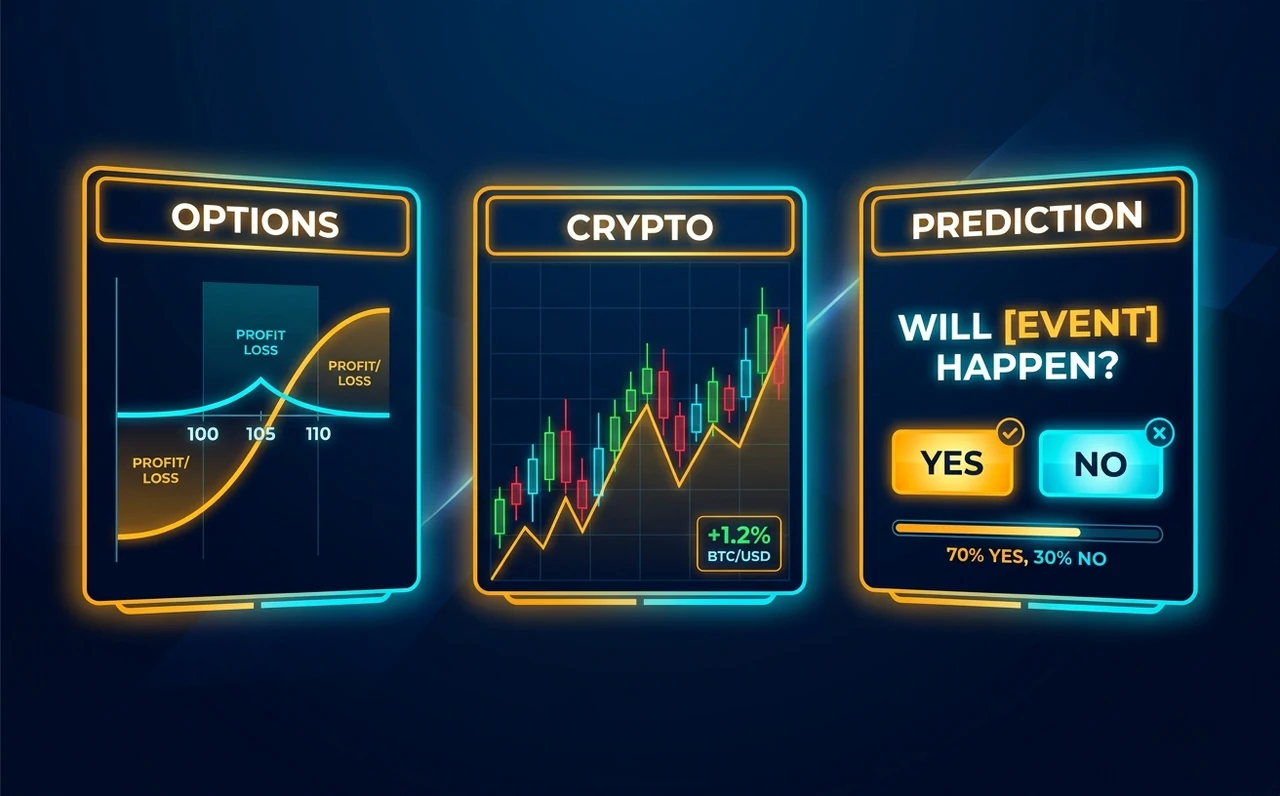
Use Claude with TradingView, then place reviewed trades beyond stocks and ETFs.
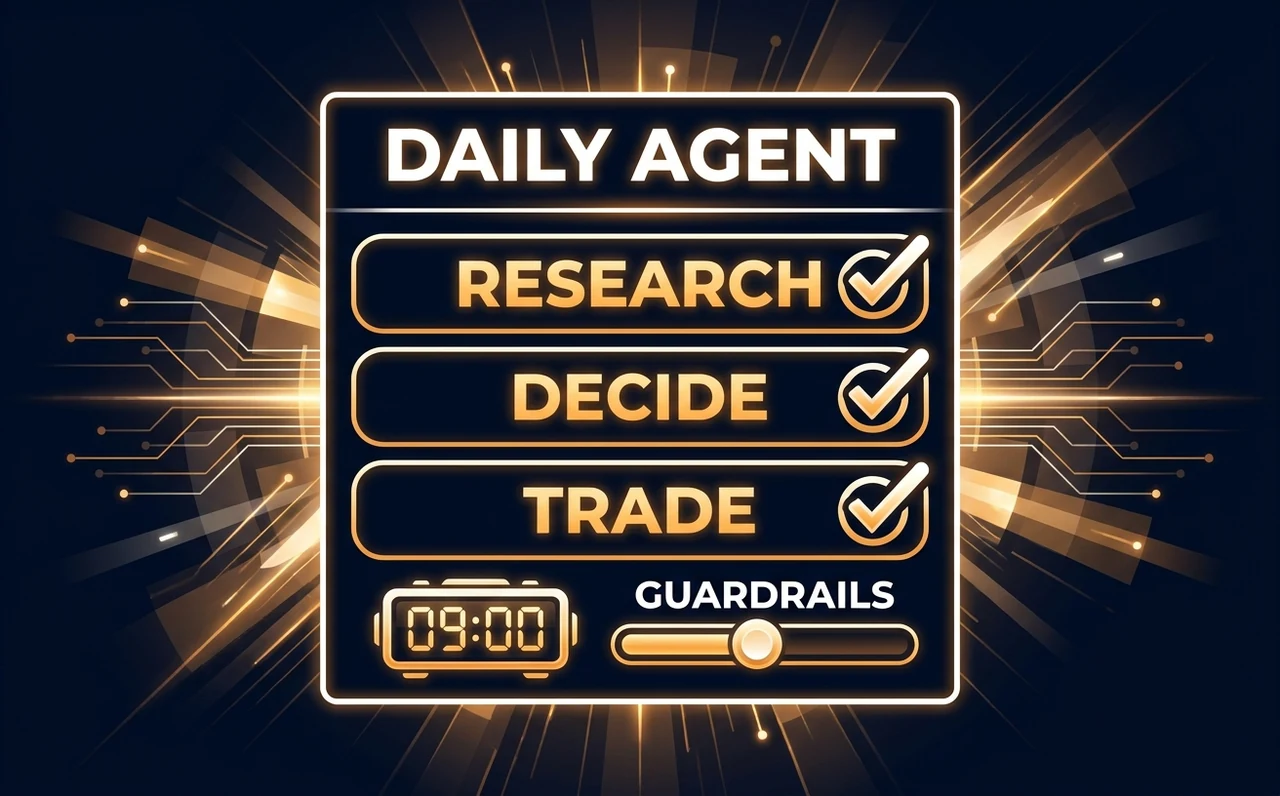
Research, decide, and place trades on a schedule inside guardrails you control. Under your command.
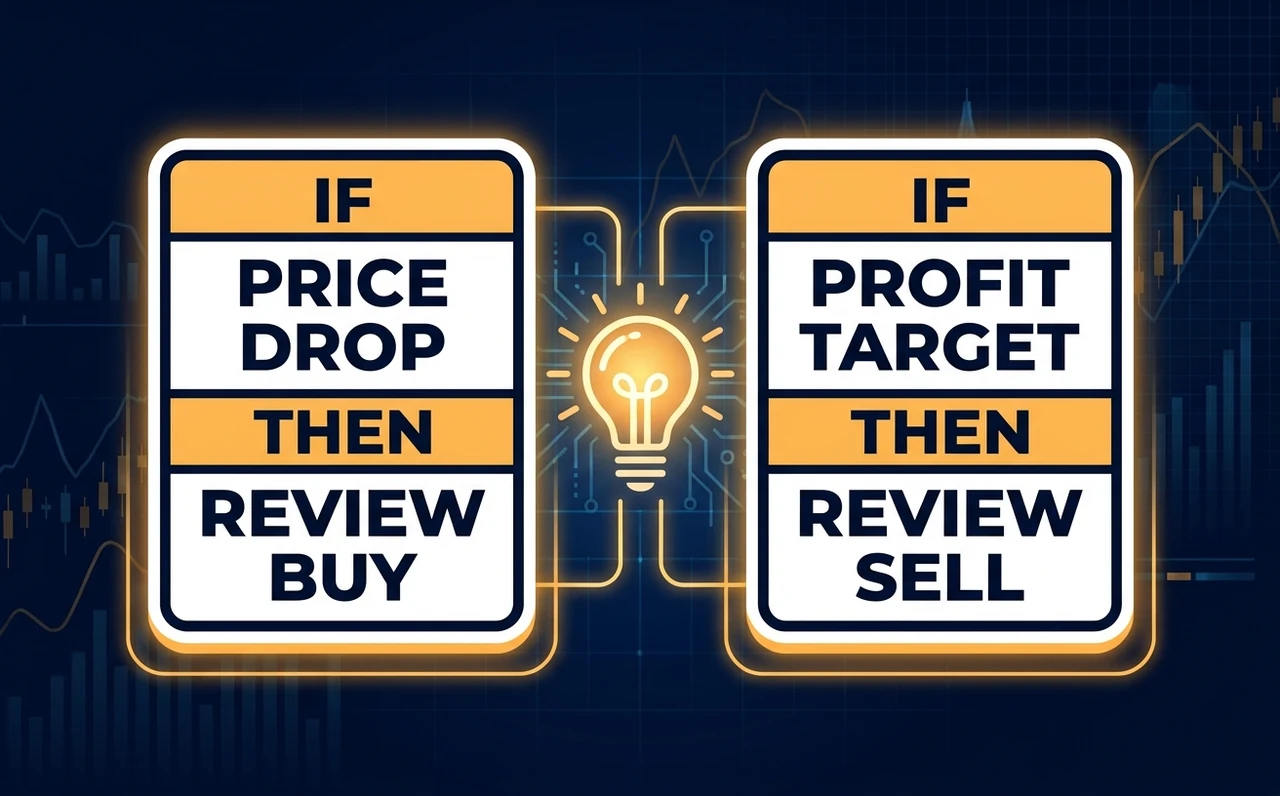
Turn a plain-English setup into rules that run without babysitting every click, still with you approving the system.
For traders who want to put AI to work on their own research, trades and automation.



Want to check the fit? Ask the instructor directly.
Tools, brokers, and markets you'll work with










 5 Recorded classes with Rob
Watch and build along on your own schedule.
 Your pace Lifetime recordings
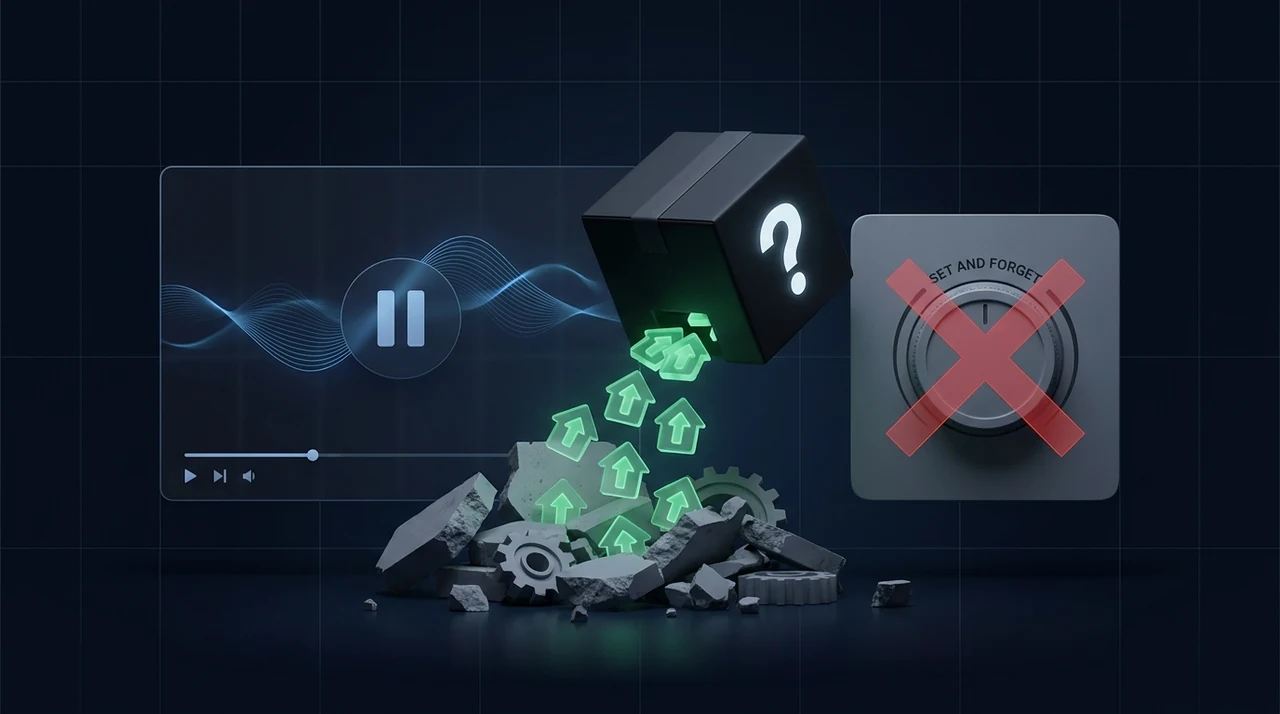
Pause and replay every lesson whenever you need it.
 30 days Money-back guarantee
Request a refund within 30 days if it is not for you.
We searched Reddit and X for the trading problems people complain about most. AI makes each of these much easier, and the Bootcamp shows you how.
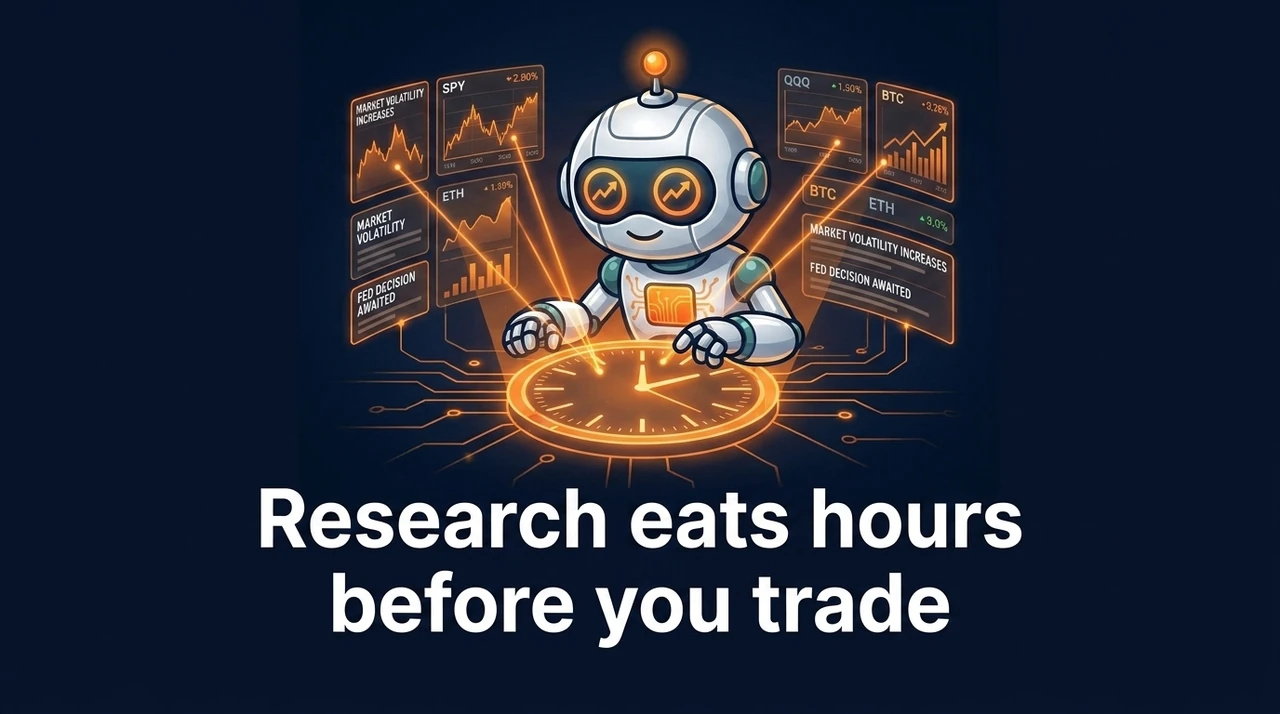
Tickers, news, levels, endless tabs. Traders on Reddit and X keep saying AI cut that grind from hours to minutes.
How we fix this
We teach you a Claude, Codex, Cursor, or BotSpot scan workflow that builds a short, broker-checked list so research stops eating your day.
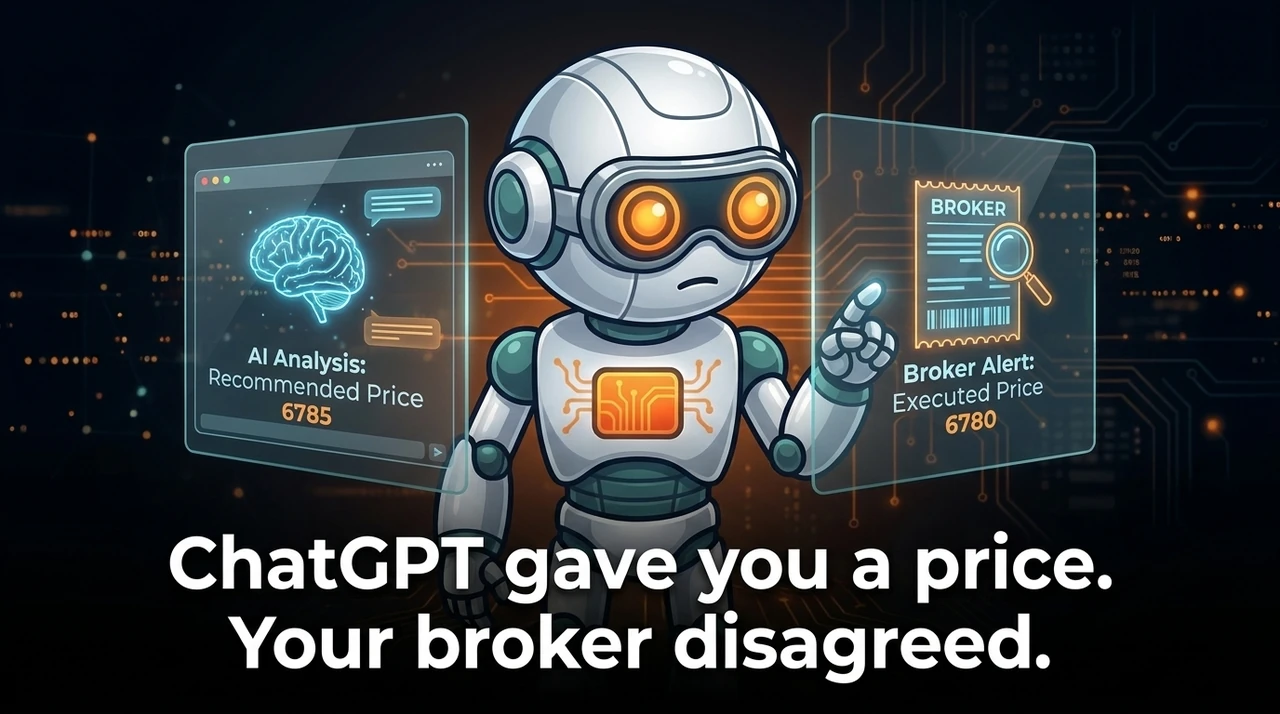
The model sounds sure, then the number is stale or off by a few ticks. Close enough to trust. Wrong enough to hurt.
How we fix this
We show you how to connect to your real broker so prices, positions, and account value come from the account you trade, not a chatbot guess.
A short win streak is not proof. Traders keep asking the same thing: was that edge, or a fluke?
How we fix this
We show you how to backtest and run evals on an AI trading agent so you can tell a lucky streak from a process that holds up.
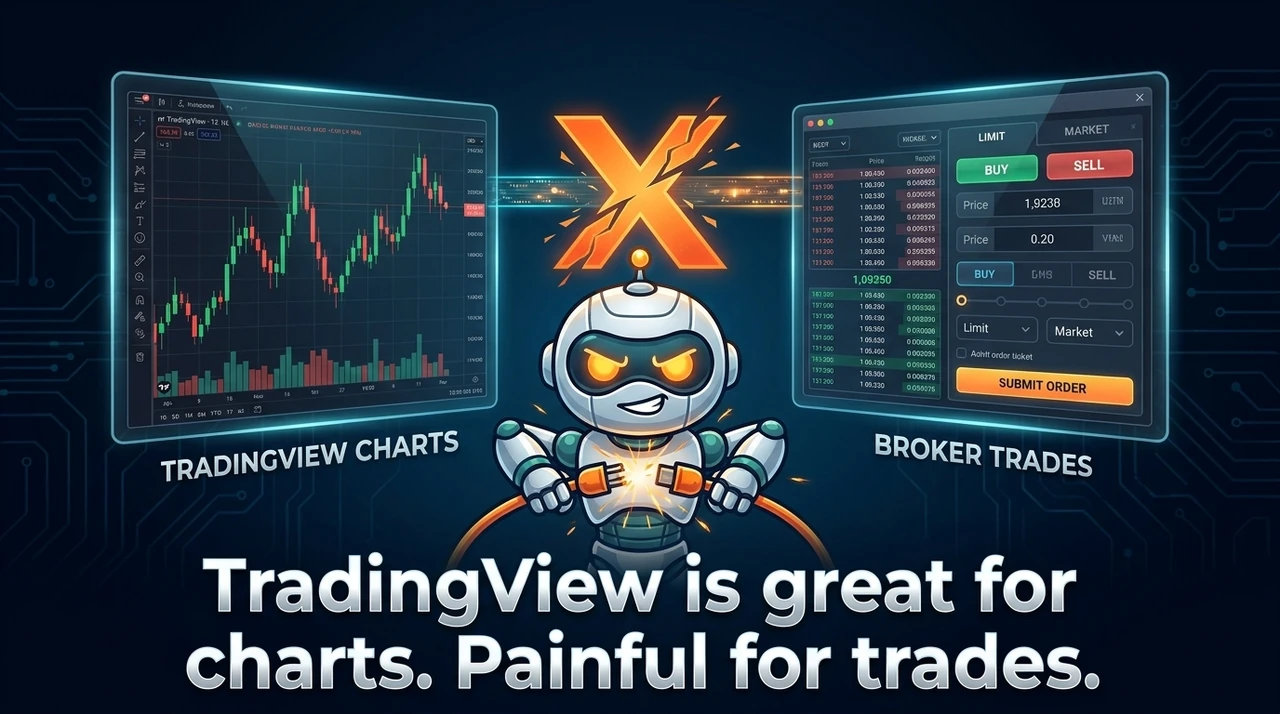
Broker connections drop, sessions log you out, and a lot of people still chart in one place and click the order somewhere else.
How we fix this
We show you how to use Claude, Codex, Cursor, or BotSpot so chart work and a broker-ready trade live in the same agent workflow.

Anyone can paste a prompt and get an indicator. The hard part is knowing what it measures, when it fails, and whether you would trade it with real money.
How we fix this
We teach you to generate, stress-test, and use indicators with Claude, Codex, Cursor, or BotSpot so you ship something you understand.
Platform script errors, outdated tutorials, and “too complex” walls show up the second you try to scan the market your way.
How we fix this
You build scanners in plain English with Claude, Codex, Cursor, or BotSpot, then verify names against real market data instead of wrestling platform code.

Multi-leg options are tedious to build, fill, and manage in broker UIs. Traders talk about partial fills and babysitting every leg.
How we fix this
You describe the structure in plain English, review the legs with AI, then send a checked order through your broker instead of clicking each leg by hand.
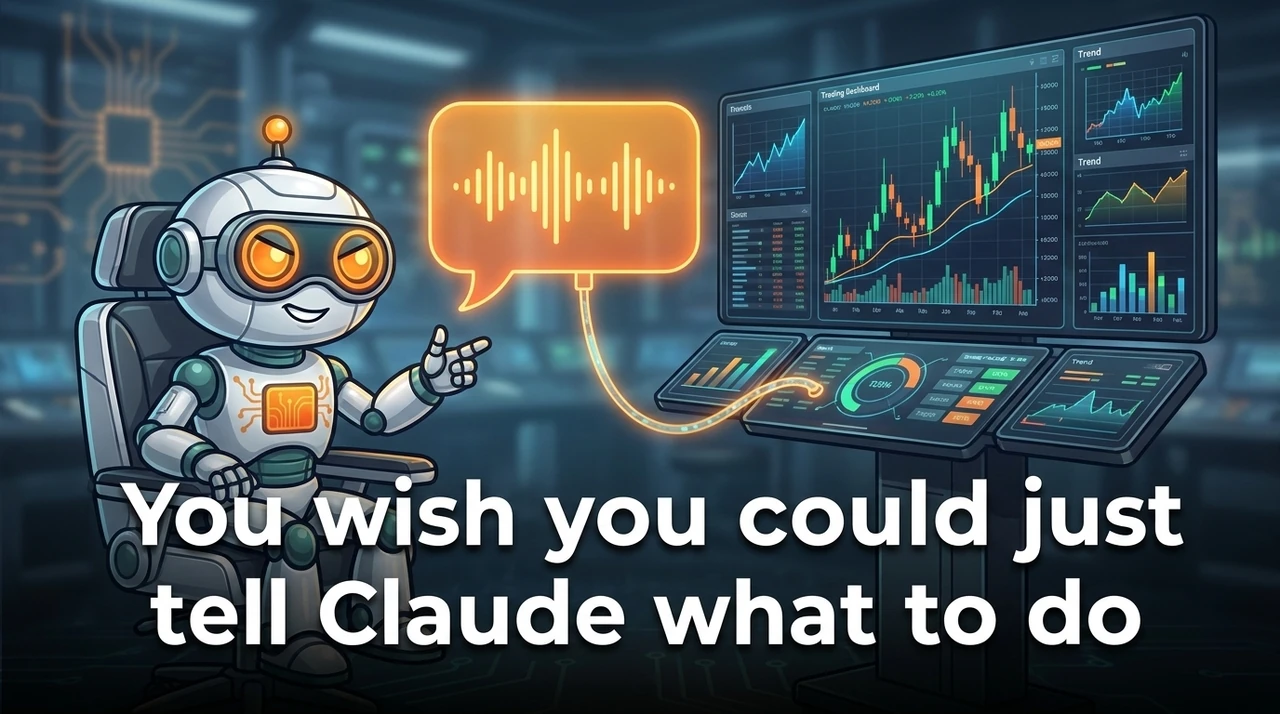
Research, scan, review a trade, repeat. In plain English. Not another maze of menus, scripts, and disconnected screens.
How we fix this
That is the core of the cohort: Claude, Codex, Cursor, BotSpot, and your broker working as one command seat you control.
Problem, then practice: Claude, Codex, Cursor, BotSpot, and your broker working together, with real money under your control.
Learn AI trading with Rob Grzesik, CEO of BotSpot and creator of LumiBot. Watch the Bootcamp classes on your own schedule, then put each workflow into practice with your own broker and account.
The classes were recorded live. Build along, pause when you need to, and replay them whenever you want. You also get the AI Trading Lab and one-on-one help with Rob under your included access.
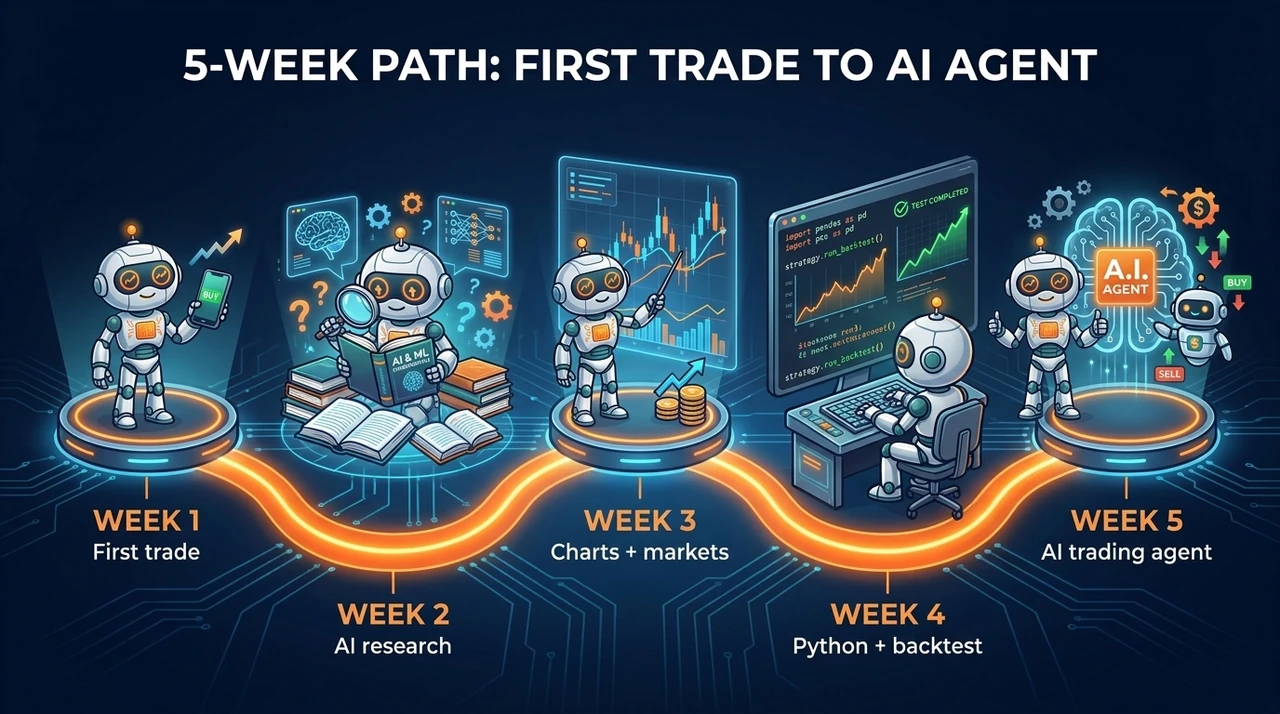
Start by connecting Claude, Codex, Cursor, BotSpot, market data and your broker. Research a stock or ETF, review the trade and place it when you are ready.
Week two turns AI into a research desk that saves hours. You pull filings, financials, earnings, insider data, and news, then build scanners that surface the next candidates. Stop spending hours building watchlists. Stop guessing when you skip the work.
Learn from Rob in the recorded Bootcamp classes and the weekly AI Trading Lab.
Rob Grzesik · CEO of BotSpot · Creator of Lumibot · Master of Finance, Schulich
In 2008 I blew up my own trading account. I had conviction, I had opinions, and I had no way of knowing whether any of it was actually true before I put money behind it. So I stopped guessing. I taught myself to backtest everything, then earned a Master of Finance at the Schulich School of Business at York University. When my father passed away I took over my family's accounts, and that same discipline grew them many times over. That money is still working today, and it is why I take this seriously.
After grad school I built a software company and sold it, which paid for a couple of years of travelling. Then I landed in New York at Greystone as VP of Fintech, where I built loan software that processed over $3 billion in transactions. After that I was one of the first engineers at Voyager Digital, building the trading and brokerage infrastructure from scratch and growing the engineering team at a company that reached a $1B+ peak market cap. I later served as VP of Software Engineering at Perch and have hired and managed 100+ engineers.
Along the way I created Lumibot, now more than 2,000 stars on GitHub, personally built more than 1,000 trading systems, and have taught algorithmic trading and AI trading to 14,000+ students over the last seven years. What changed recently is that AI agents got good enough to do work that used to need a desk of analysts: read the filings, pull live data, run the analysis, and prepare the trade. Almost nobody knows what these tools can actually do yet. That gap is the reason this bootcamp exists.
Watch a real Challenge lesson, then see how the five-week Bootcamp turns that workflow into your own AI trading agent.
Connect Claude, Codex, BotSpot, and your broker, place your first reviewed stock or ETF trade with real money if you want, and join the optional five-week trading competition.
Finish night one with a working AI trading desk and a real trade on the books. Real money is encouraged. You place the trade yourself.
Research another stock or ETF, write a short research note, and place a second reviewed trade for the competition before week two.
Use AI to research stocks and ETFs with filings, financials, earnings, news, and insider data, then build a market scanner that surfaces the next candidates.
Use AI to research stocks and ETFs in class, verify the evidence, and build a scanner so you are not hunting charts by hand.
Write a full research memo on a company or industry of your choice, finish or refine your own market scanner, and place another competition trade before week three.
Use Claude with TradingView, turn chart ideas into trades, and place a reviewed trade in options, crypto futures, or Polymarket.
Week two covered stocks, ETFs, and scanners. This week opens options, crypto, crypto futures, and prediction markets with Claude on TradingView.
Place one competition trade in options, crypto or crypto futures, or Polymarket before week four. Bring the chart, the reason, and the risk limits you used.
Turn one plain-English setup into a Python strategy, backtest it, improve it, and run the same rules automatically on your broker with real money under your control.
Leave with a simple Python strategy you understand: clear rules, a backtest you can read (a historical simulation of how the rules would have traded), and code that can place those same trades on your broker without you rewriting them every day.
Finish your own simple Python trading strategy that can trade automatically. Run your own backtest and bring the rules, results, and one real-money signal to week five.
Create an AI-powered agent that can research, decide, and trade automatically for you every day on a schedule with real money under your control.
Week four was a Python strategy with fixed rules in code. Week five is an AI agent that can think, research, and act in plain English inside limits you set, around the clock on your brokerage account with real money.
No formal homework. The bootcamp and competition wrap this week. Optional: keep your AI agent running with real money under your rules and note one improvement you want next.
Build a strategy, backtest it and practise the trading workflows from class. You can also explore BotSpot trading competitions; each competition lists its dates and eligibility.

Start today. Watch the recorded classes at your own pace and build along.
Start today, build at your own pace, and keep every recording.
Try before you buy
Before you enroll, join the free 7-Day AI Trading Challenge. Start one useful AI trading project at the live show, then keep improving that same project with light tips over the week. There are no daily assignments or required submissions. See how Rob teaches, then choose On Demand if it fits.
Hear from students who took the course.
Joel
Santayan
Agim
LaToya
Anthony
Daniel
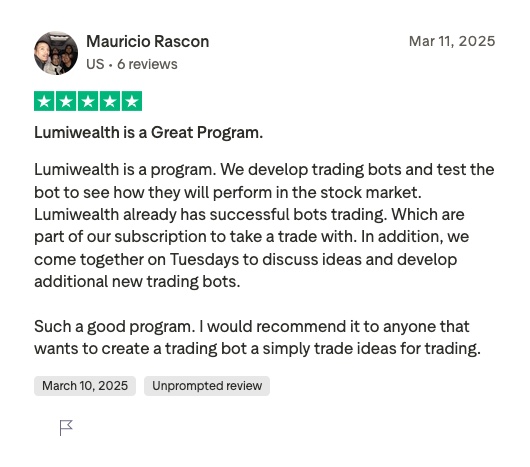
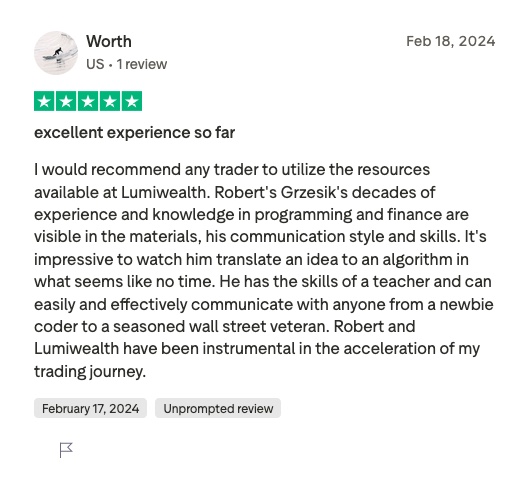
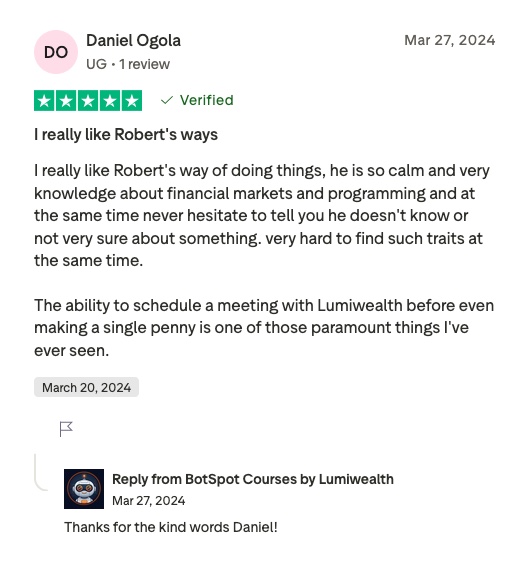
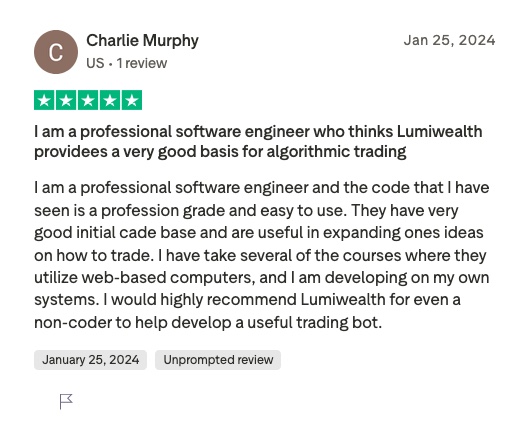
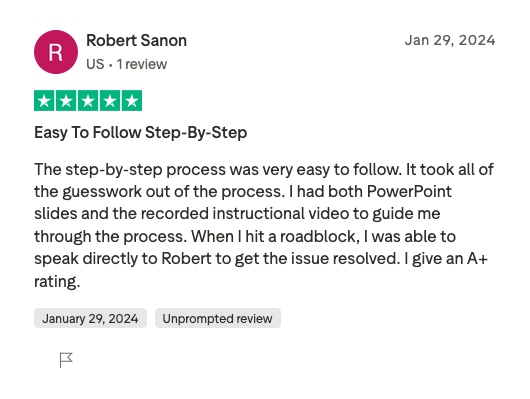
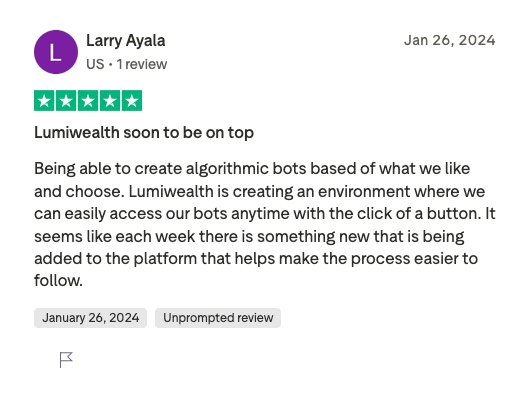
Choose monthly payments or pay in full. The amount, number of payments and total are shown with each option below. Your recorded classes stay yours for life.
Try before you buy
Before you enroll, join the free 7-Day AI Trading Challenge. Start one useful AI trading project at the live show, then keep improving that same project with light tips over the week. There are no daily assignments or required submissions. See how Rob teaches, then choose On Demand if it fits.
Only how you take the five Bootcamp classes. Live means you join Rob for them live on Zoom on set dates. On Demand means you start today and watch them on your own schedule. Everything else is the same, including AI Trading Lab and your one-on-one help.
For life. They stay in your course portal.
You can stay on Pro for $199 a month to keep the software and AI Trading Lab. Or you can stop. The recordings stay yours either way.
They are one-on-one calls with Rob. Bring your own setup, your account and the trades you want to make, and work through them together.
No. You tell Claude, Codex and BotSpot what you want in plain English.
Yes. You get a 30-day money-back guarantee.
Learn it, run it with real money, and get live help every week.
No coding experience required
Past performance does not guarantee future results. Automated trading involves risk of loss.