Permanent link to this release
Improvement
A course preview made for Bootcamp On Demand
The On Demand page has its own trailer and matching preview image, with the play button centered. The live Bootcamp keeps its own preview.
Why it matters: See a preview of the learning format you are considering before choosing a course.
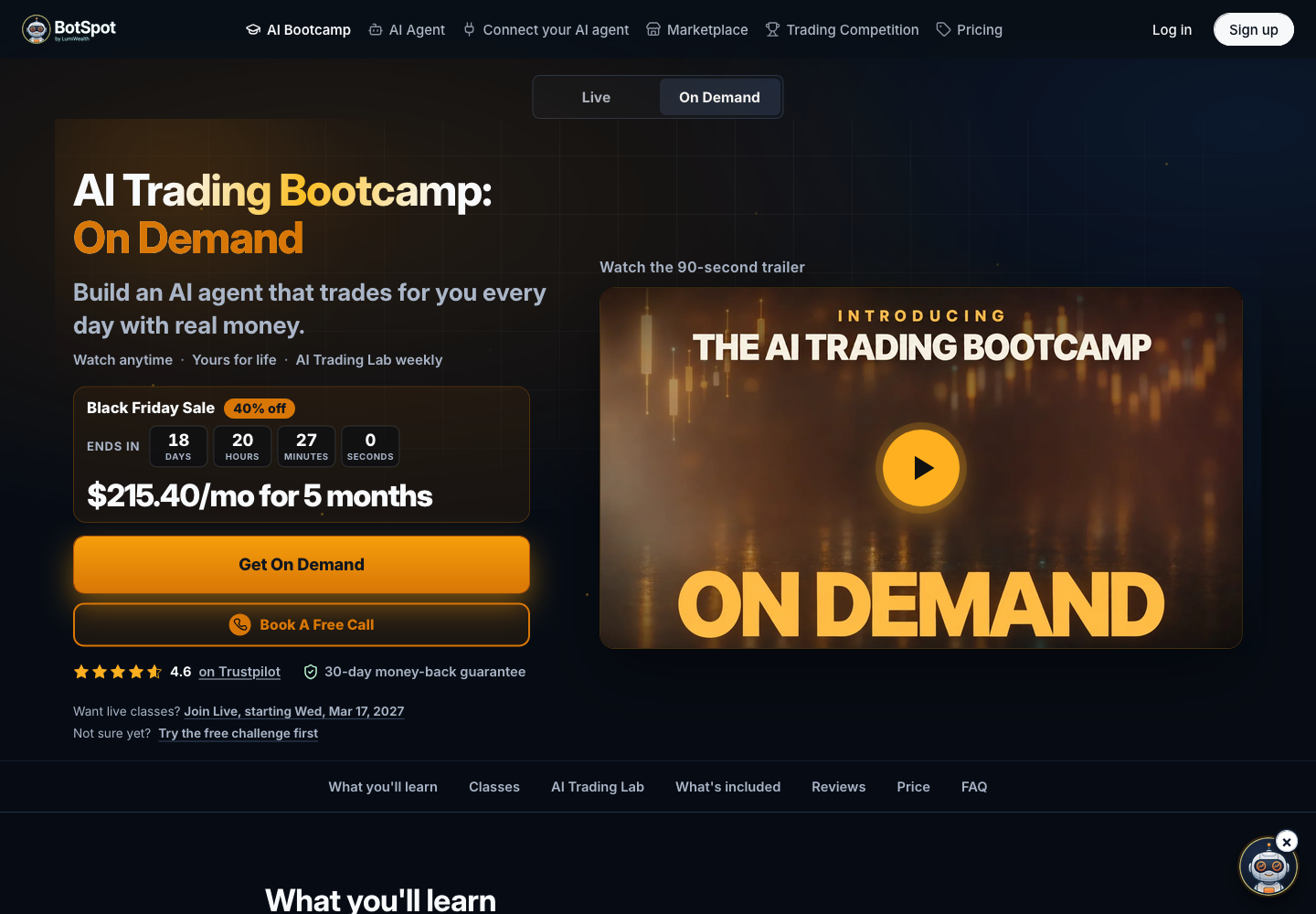
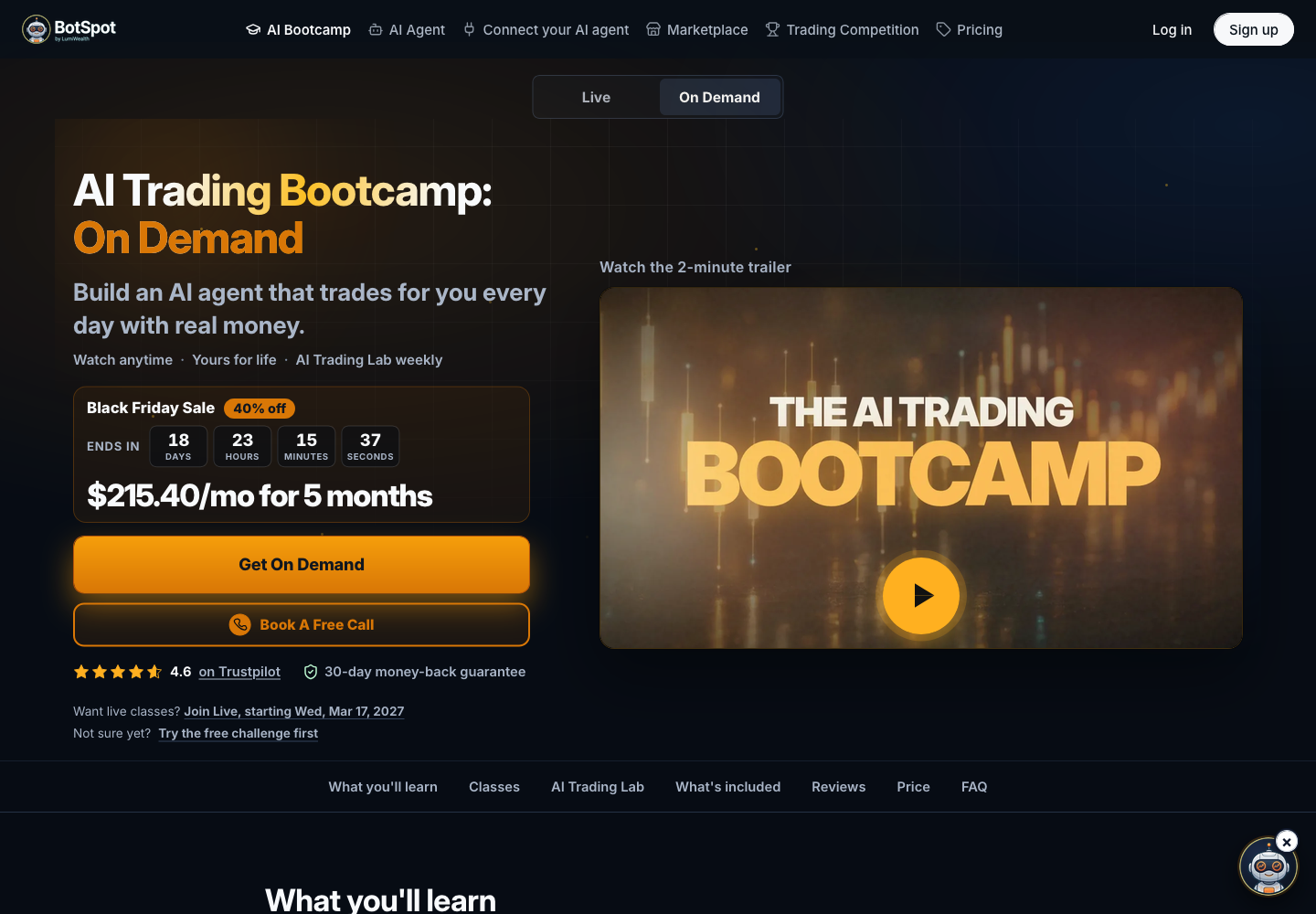
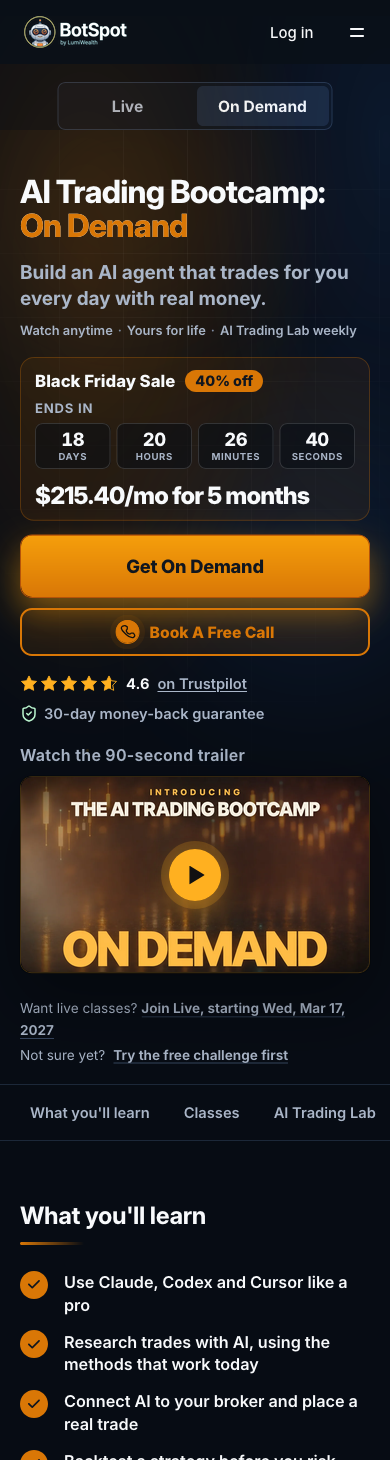
Previously: The On Demand page reused the live Bootcamp preview.
Who benefits: People considering AI Trading Bootcamp On Demand
Availability: The public course preview is available without signing in.
Watching the preview does not enroll you in the course. Course access follows the selected offer and checkout terms.
- Open the Bootcamp On Demand page.
- Use the play button on its course preview.
- Compare the On Demand and live formats using the existing course choices.
Improvement
Parameter comparisons fit your available backtest minutes
Parameter experiments size the batch to available free-plan minutes, can compare up to ten runs, and notify the assistant when the final run finishes.
Why it matters: Compare more variations within your available allowance and get the completed comparison without chasing the last run yourself.
Previously: A parameter experiment could request too many runs for the available minutes, or need another prompt after the final run finished.
Who benefits: People comparing strategy parameters through the assistant
Availability: Existing assistant and backtest access, available minutes and plan limits continue to apply.
An experiment compares up to ten runs. It still needs enough backtest minutes, supported market data and successfully completed runs. Results are historical simulations, not a prediction of returns.
- Open an existing strategy you own.
- Ask the assistant to compare a small set of parameter choices.
- Review the proposed runs and available minutes, then inspect the completed comparison.
Improvement
More complete starting files for strategy building
More strategy starting files include the setup needed for a backtest, including examples that screen companies by market value or fundamentals.
Why it matters: Spend less time fixing setup before you can test your trading idea.
Previously: Some supported strategy starting files lacked the final setup needed to start a backtest.
Who benefits: People building stock-screening and other supported strategies with the assistant
Availability: Existing assistant, connected-data and backtest permissions and usage limits apply.
The assistant still needs the data your idea requires. Generated strategies and historical simulations must be reviewed; they do not guarantee trading results.
- Open the assistant with your normal connection.
- Describe your strategy and the data you want it to use.
- Review the saved strategy before starting a backtest or approving any live action.